Image to motion
Upload a visual reference and turn it into a short moving sequence with a prompt that describes direction, mood, and camera behavior.
 RelvioAI video studioContact
Prompt to moving scene
Create short AI video clips from text prompts or images with crisp mode choices, visible diamond usage, and a workflow built for fast iteration.
Creator workflow
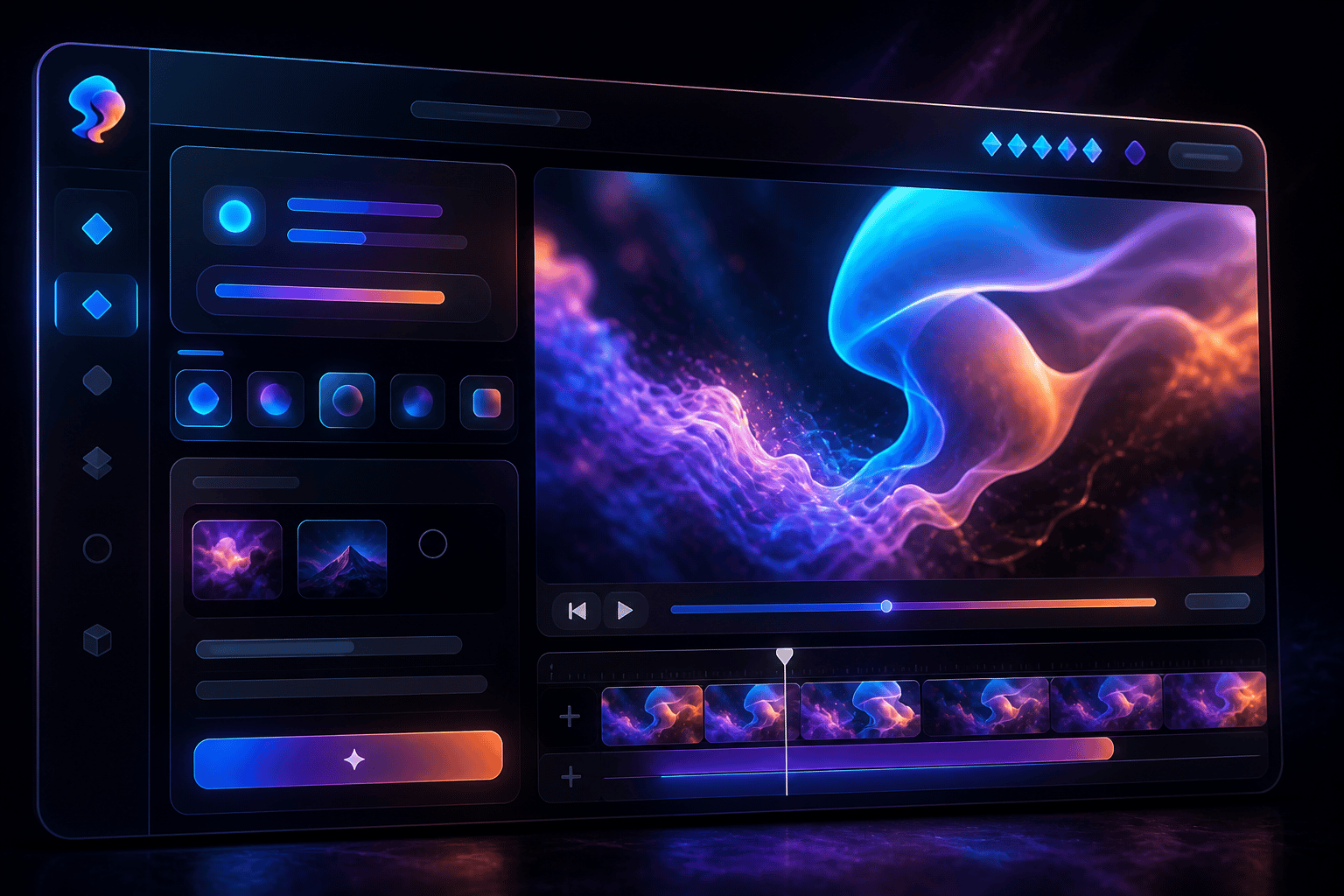
Relvio keeps generation controls direct: describe the shot, choose the pacing mode, review the result, and regenerate while the idea is still fresh.
Use prompts for subject, lighting, camera movement, mood, and motion. Add an image when the first frame, product, portrait, or visual style matters.
Visual range
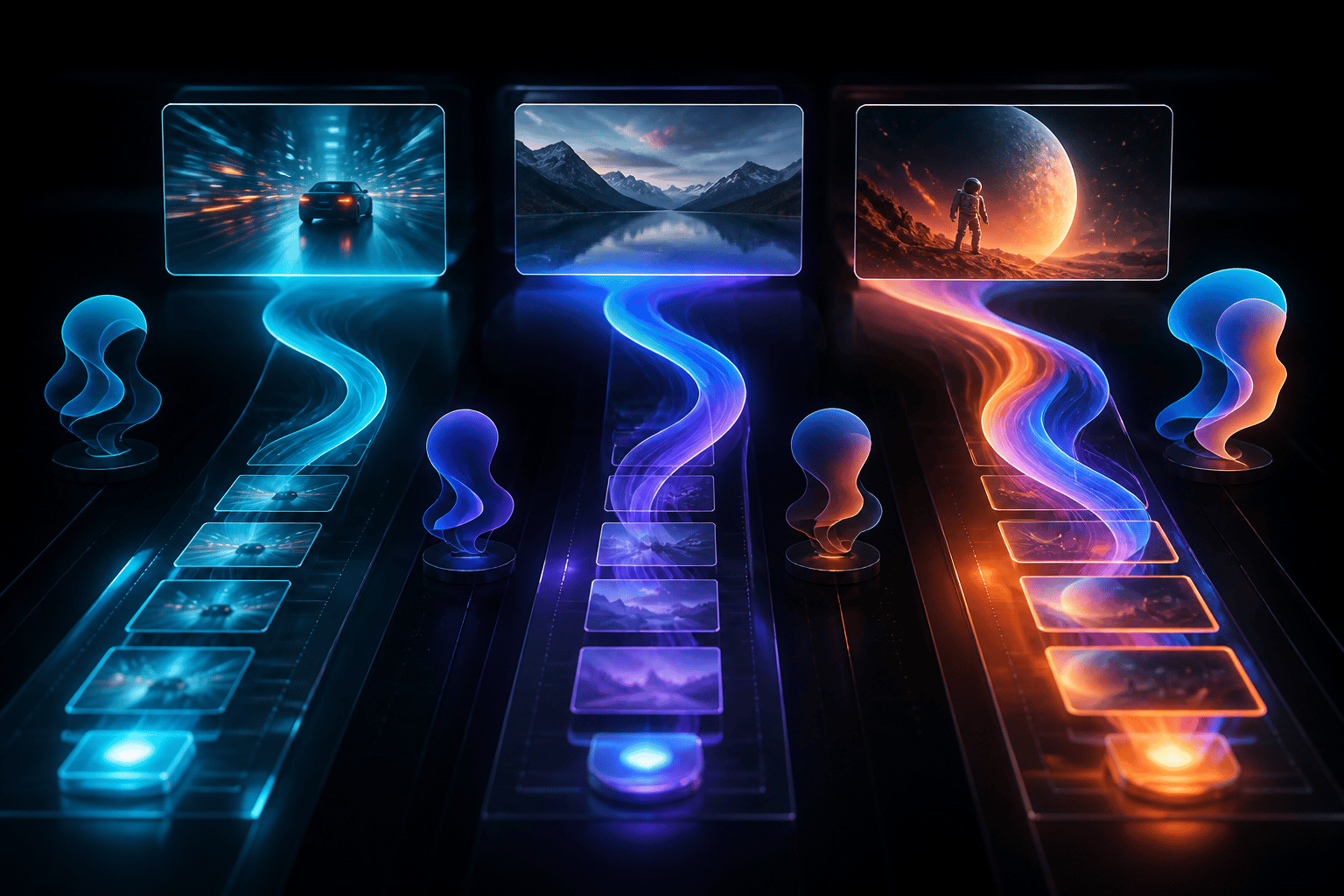
Relvio presents examples directly inside the product story, connecting image-to-video, product motion, storyboard clips, and audio-reactive visual direction to real creation patterns.
Upload a visual reference and turn it into a short moving sequence with a prompt that describes direction, mood, and camera behavior.
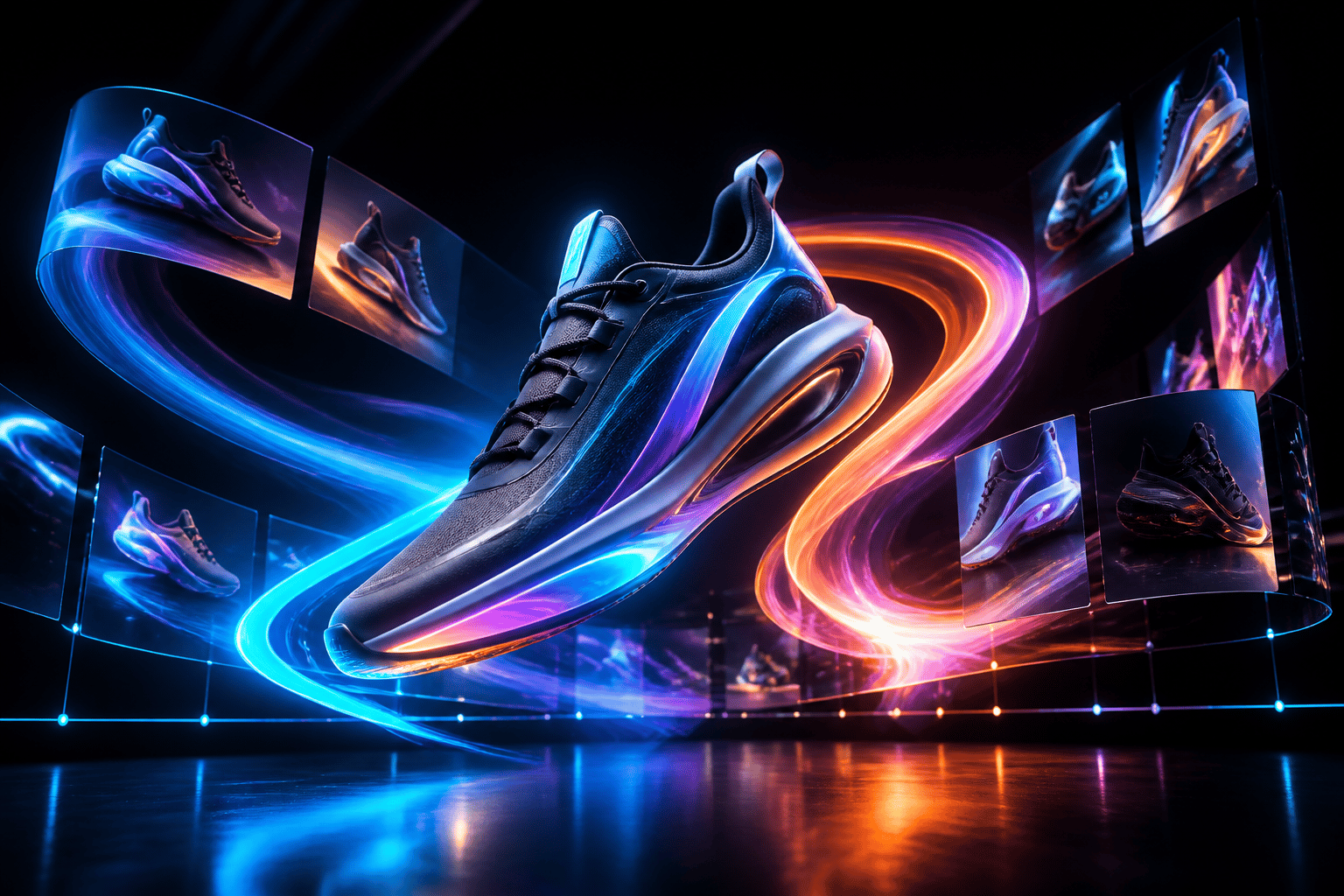
Create polished product-style motion clips for concepts, launch teasers, and visual experiments without a full production setup.
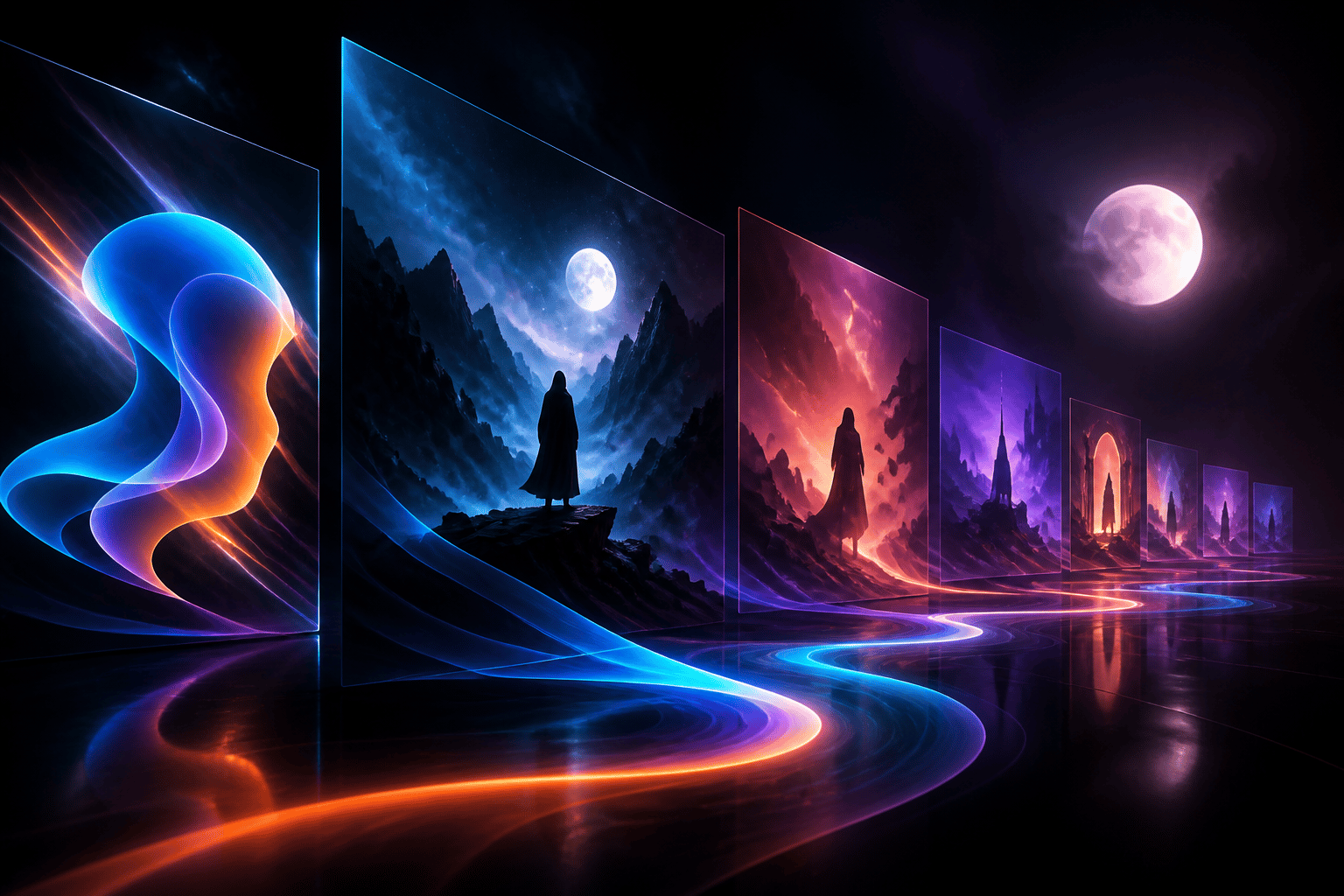
Move from a simple idea to a trailer-like shot with pacing, atmosphere, and composition that can be reviewed or regenerated.
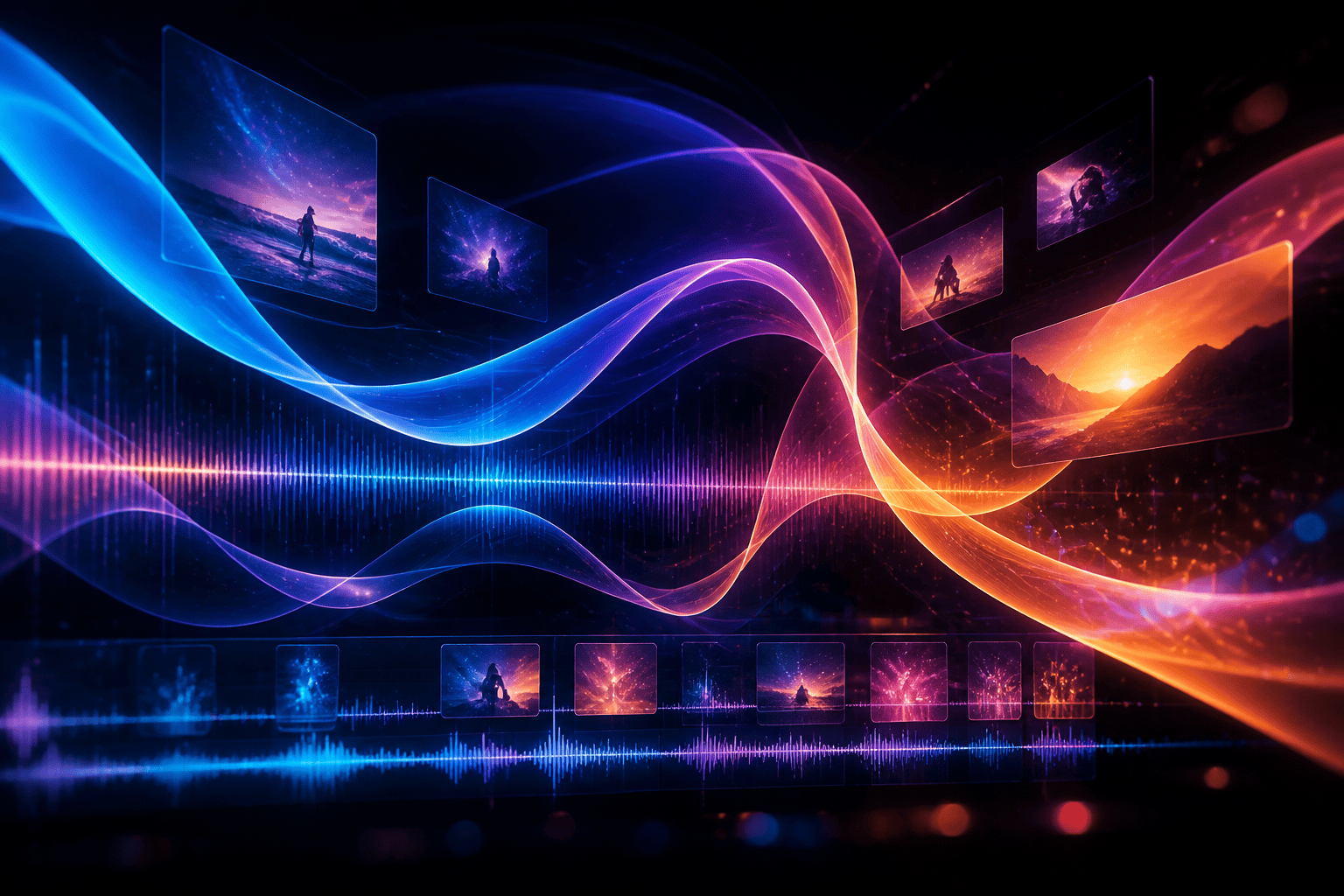
Design motion references around rhythm, waves, light, and energy for clips that feel alive even before final editing.

AI data handling
Relvio processes generation inputs on infrastructure operated by us. We do not send your prompts, uploaded images, or generated videos to third-party AI model providers, and we do not use them to train general AI or foundation models.
Read AI privacy terms